

geekgadget pc brigade refers to the PC section of Geek Gadget, a gadget and gaming blog whose home page invites readers to join the PC Brigade, channel their inner Nintendo ninja and embrace Mac madness. This roundup lists what the site has been covering and how to read it.
| What is it? | A gadget and gaming blog at geekgadget.net |
| Menu | Home, PC Brigade, Mac Madness, Latest Gaming, About the Crew, Contact the Crew |
| PC section name | PC Brigade, with reviews and guides |
| Owner named? | The home page credits writers only by pen name |
| Is it a store? | No, it publishes articles |
The geekgadget crew and how the home page is organised
The page opens with a tagline that sorts readers into tribes: PC fans in the PC Brigade, Nintendo fans, PlayStation players, Xbox fans and Mac users. The menu keeps it simple. PC Brigade and Mac Madness are the two computer sections, Latest Gaming gathers news and trends, and the About the Crew and Contact the Crew pages sit at the end.
Articles are credited to named authors, though the names read like pen names, so a reader cannot check their background. The front page shows reading times of three to seven minutes, which marks the posts as short features rather than long reports.
What the PC Brigade section of geekgadget covers
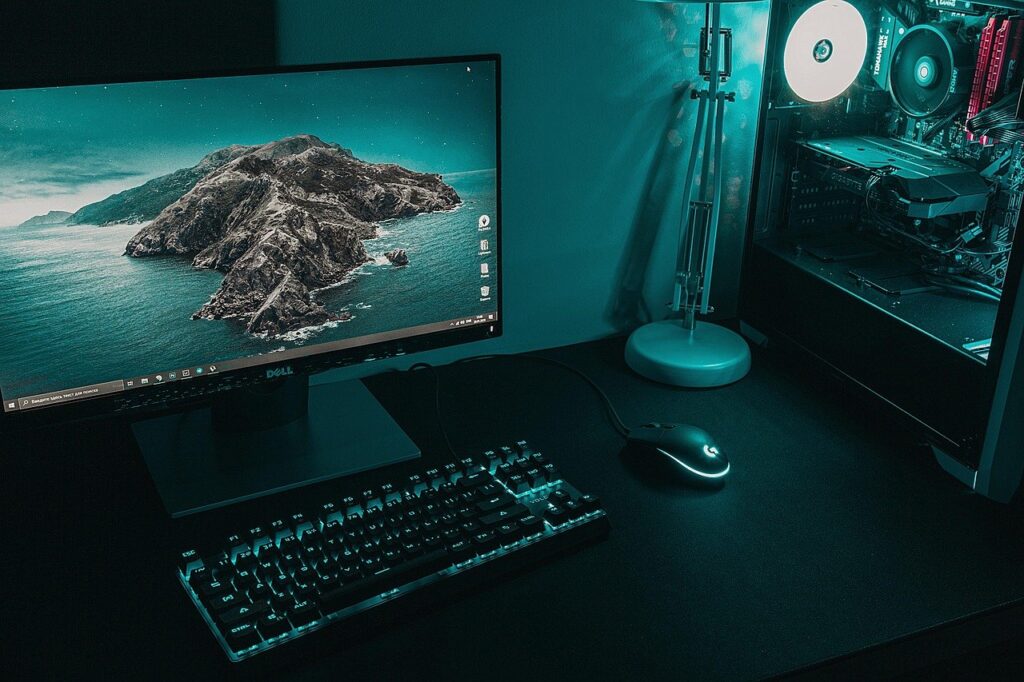
PC Brigade is where searchers who type geekgadget pc brigade usually land. The section groups reviews and buying advice about computers, accessories and related software. A typical review in this kind of section covers specification, price, build quality, performance in everyday use and who the product suits.
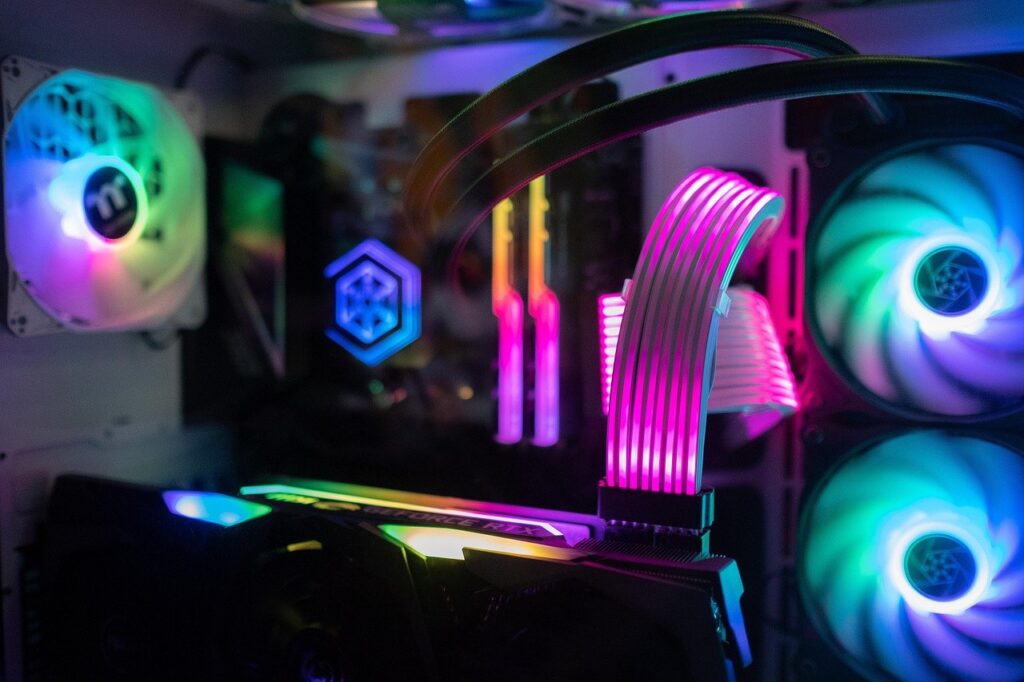
A reader should expect opinion, not laboratory testing. Unless a post states how it tested a product, treat its verdict as one person’s view and compare it with other reviews and the maker’s own specification before buying.
Mac Madness and the rest of the geekgadget menu
Mac Madness is the counterpart for Apple computer users, offering tips and product coverage. Latest Gaming gathers items about consoles and game releases. The home page’s tagline mentions Nintendo, PlayStation and Xbox, so console readers are explicitly invited.
The site also runs content that has little to do with computers; some home page teasers on the day it was read were about online entertainment topics that this page does not cover. Stick to the sections that match your interest and judge each article by its own merits.
How trustworthy are geekgadget reviews?
Look for clues that a review is grounded. Does the author say they used the product, for how long and for what? Does the post show photographs taken by the reviewer, or stock images? Does it mention a drawback? Reviews that contain only praise and a buy link should be treated as marketing. A review that names a flaw and a use case where the product disappoints is more likely to be honest.
The home page lists no affiliate or sponsorship disclosure in the text read for this page. If a post contains purchase links, assume the site may earn a commission and shop around.
Searches like pc brigade geekgadget and what readers want
Readers sometimes reverse the words and type pc brigade geekgadget, which suggests they remember the section name better than the site. What they usually want is the list of computer reviews and buying guides, so the quickest route is the PC Brigade link in the main menu. A good habit is to bookmark that section page so you do not depend on a search engine’s guess about which result is the real site.
If a search result with that wording leads somewhere other than geekgadget.net, check the address bar carefully. Copycat pages often use a similar spelling and fill themselves with ads.
Buying advice versus entertainment on geekgadget
A gadget blog serves two kinds of reader: the shopper who needs a decision and the enthusiast who enjoys the topic. The two mix on this site. Posts that compare specifications and prices help shoppers; posts that celebrate a console or a game franchise serve fans. Knowing which kind you are reading helps you weigh its advice. Shopping advice should list prices and alternatives, whereas fan writing is allowed to be enthusiastic and one-sided.
The geekgadget crew pages
The About the Crew and Contact the Crew pages are the route the site gives for finding out who writes the posts and how to reach them. If you want to report an error in a review, ask a question or request a correction, use that page rather than a number or address from a comment or a search result.
The site does not publish a company name or postal address on its home page, so avoid assuming it is connected to any similarly named business or social media account.
Staying safe while reading gadget sites
Gadget and gaming sites carry advertising and sometimes offer downloads, key generators or “free” game offers. Do not install anything you are offered from a review page. Download software only from the maker or an official store, use an ad blocker if you are comfortable with one and be wary of pop-ups claiming your computer is infected.
If you came to the site from a link in a message, close it and type the address yourself. Lookalike domains copy popular names to spread unwanted software.
A quick checklist for reading any PC review
- Check the date: hardware advice ages fast.
- Check the exact model: names often differ by one letter between versions.
- Compare the price with two other shops.
- Read at least one review from a different site.
- Look at the maker’s return policy before you buy.
That list takes ten minutes and works whether the review comes from this site or any other.