

The eyexcon site covers a mix of business, technology, social trends, PC and console gaming, and entertainment. Its recent items include a 2026 guide to contacting the site and several pieces credited to Tommy Jacobs. This roundup describes what is visible on the home page and how to read those items, and it does not vouch for any of them.
| Question | Short answer |
| What sections exist? | Business and World News, Social, Technology, PC and Consoles, Entertainment, About and Contact Us. |
| Who writes the pieces? | Bylines on the home page include Tommy Jacobs and C.J. Smith. |
| Where are gaming items? | Under the PC and Consoles label. |
| Is there a contact page? | Yes, Contact Us is in the main menu. |
| Are dates shown? | Most entries show a date, and some older ones are from 2022. |
What the tommy gaming eyexcon pages cover
Pages credited to Tommy Jacobs appear across several sections, including technology and the PC and Consoles label. The visible titles range from a general overview of a company to a note on a broadband-related topic. Searchers who look for tommy jacobs gaming eyexcon are likely looking for gaming coverage, and the site gives only a few visible items of that kind on its home page.
Read the bylines with care. A byline shows who the site credits, not whether the writer tested a product, played a game or spoke to a manufacturer. The pages read do not say which.
How the PC and Consoles label reads
The PC and Consoles label is the clearest home for gaming material. Items under it are short and tend to be general rather than product tests. A reader who wants hardware specifications, release dates or price checks should confirm each detail with the manufacturer or a retailer, because the visible titles do not show the sources behind them.
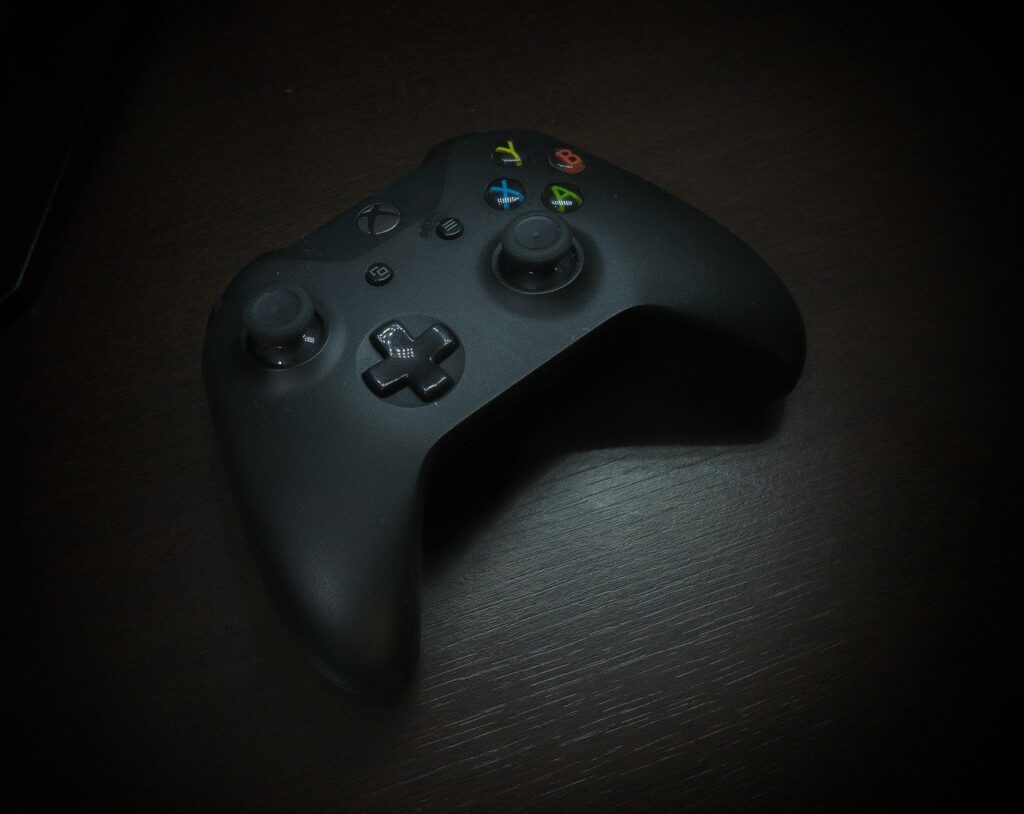
Because the section is small in the pages read, it works best as a starting point for ideas rather than as a buying guide.
Reading the tommy jacobs consoles eyexcon items
Searchers who type tommy jacobs consoles eyexcon usually want to know whether the console coverage is current. The most recent visible items are dated 2022 or later, and several entries sit in other sections. Check the date on the article itself before you rely on any advice about firmware, prices or compatibility.
The PC and Consoles items are easiest to use when you already know the model or game you care about. Search the title on the site first, then match the date against the product’s own release notes or support page. A general article can be useful for context, but it should not replace the manufacturer’s current specifications. When two items disagree, the newer dated piece and the official source should win over an older summary.
Gaming readers also tend to care about price, availability and warranty terms. The pages read do not cover those topics, so any price or stock claim needs a retailer or manufacturer check.
Business, social and technology items
Other labels carry a wide range of topics. The visible titles include fintech and cryptocurrency explainers, a piece on social media trends, and a few general technology questions. Those items are informational, and the pages read make no claim about returns, performance or safety.
Some visible titles touch on betting-related subjects. The post does not describe or recommend them, and a reader who needs advice on gambling or wagering should consult a licensed source instead.

Because the home page is a list, a single visit shows only the newest slice of the site. Older articles sit behind the section labels and the archive pages, and the pages read did not open them. A reader who wants a fair picture of the gaming coverage should click through two or three pages in the PC and Consoles label before drawing a conclusion.
What the eyexcon site leaves out
The home page does not show a physical address, a list of editors or a publication policy. Some items in the list have no visible date, and the About page is not described in the pages read. A reader cannot tell from the home page how often the gaming label is updated.
The same tests apply to every section. A roundup shows which items exist, not whether they are right. Treat the visible titles as a list of leads, then check the leads you plan to act on.
A simple habit helps. Keep a short list of the eyexcon items you read, with the title, the section and the date. When you come back later, the list shows whether the section has been refreshed and which items are new to you.
How to check an eyexcon item before using it
Open the article, check the date and the byline, and look for the source of any figure. For a product question, compare the answer with the manufacturer’s own page. For a general news item, look for a second outlet that reports the same event.
Use the Contact Us page in the main menu to report an error or ask about a correction. A short, dated note with the title and the exact sentence is more likely to get a reply than a general complaint about the site. Include the article title, the address and the exact sentence you question.